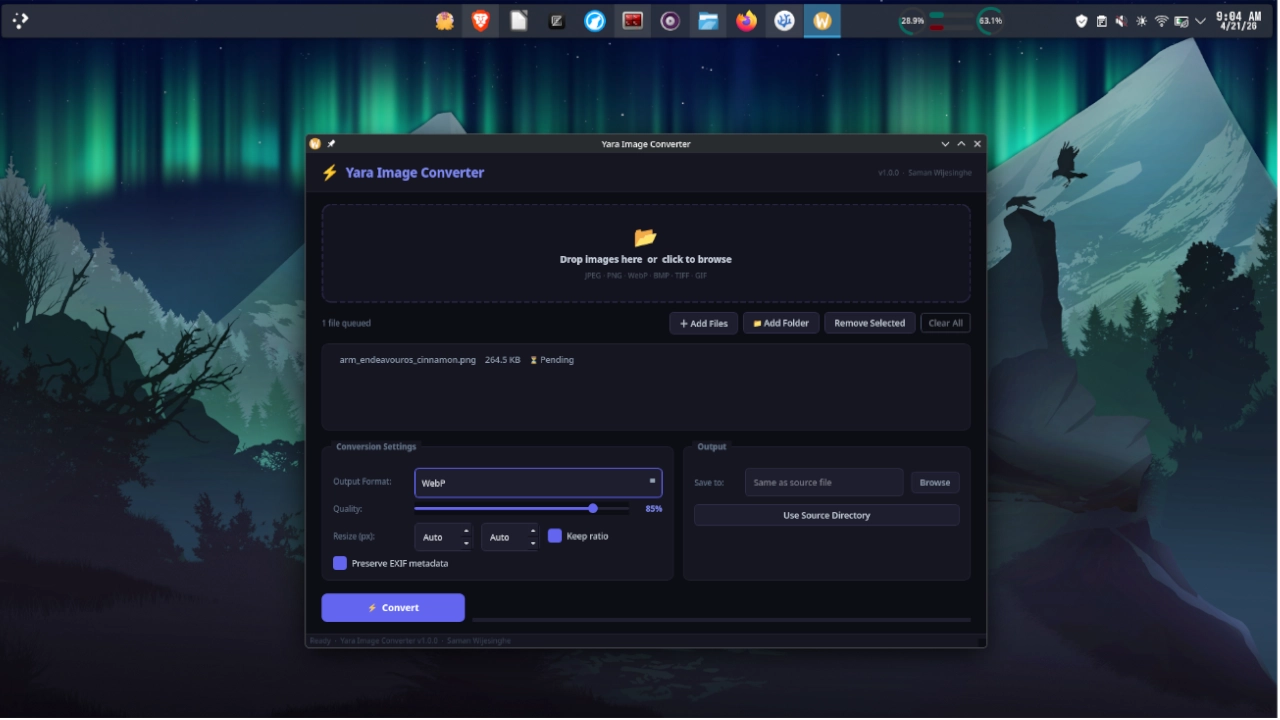
Overview
Yara Imcon is a fast, lightweight terminal image converter written entirely in pure Bash. It batch-converts images between common formats — PNG, JPEG, WebP, AVIF, BMP, and TIFF — with optional resize, quality tuning, and metadata stripping. No GUI, no config file, no build step. Just run the script and convert.
Yara Imcon is Version 1.0, released under the MIT License, and built and maintained by Saman Udayanga Wijesinghe as part of the Yara Utility Suite.
Preview
  Yara Imcon v1.0  ·  by Saman Wijesinghe
  ═══════════════════════════════════════════════════════

  Input   : photos/  (12 files)
  Format  : JPEG → WebP
  Quality : 85
  Resize  : 1920x1080 (fit)
  Strip   : metadata ON

  [████████████████████] 12/12  done

  Output  : photos/output/
  Saved   : 12 files  ·  4.2 MB → 1.7 MB  (−59%)
  Time    : 1.3s
Key Features
- Multi-format conversion — PNG, JPEG, WebP, AVIF, BMP, TIFF input and output
- Batch processing — convert an entire directory in one command
- Resize support — scale by pixel dimensions or percentage, fit or fill modes
- Quality control — per-format quality/compression level flags
- Metadata stripping — remove EXIF, IPTC, and XMP data for privacy
- Progress bar — live conversion progress with file count and size delta
- Dry-run mode — preview what would be converted without writing any files
- No external dependencies — relies only on
ImageMagick(convert), which ships with most Linux distributions
Supported Formats
| Format | Read | Write | Notes |
|---|---|---|---|
| PNG | ✔ | ✔ | Lossless, transparency supported |
| JPEG | ✔ | ✔ | Quality 1–100 |
| WebP | ✔ | ✔ | Lossy and lossless |
| AVIF | ✔ | ✔ | Requires ImageMagick 7.1+ |
| BMP | ✔ | ✔ | Uncompressed |
| TIFF | ✔ | ✔ | LZW compression |
Usage
imcon [OPTIONS] INPUT OUTPUT_FORMAT
Basic examples
|
|
Options
| Flag | Default | Description |
|---|---|---|
--quality N |
format default | Output quality / compression (JPEG: 85, WebP: 80, PNG: 9) |
--resize WxH |
— | Resize to WxH pixels. Use Wx or xH to scale one axis only. |
--fit |
— | Scale image to fit within dimensions (default when --resize is set) |
--fill |
— | Scale and crop image to fill dimensions exactly |
--strip |
off | Remove all EXIF/IPTC/XMP metadata from output |
--out DIR |
./output/ |
Output directory (created if missing) |
--dry-run |
off | Print conversion plan without writing any files |
--overwrite |
off | Overwrite files in output directory if they already exist |
--verbose |
off | Print per-file details during conversion |
Requirements
Required
| Tool | Purpose | Install |
|---|---|---|
| bash >= 4.0 | Script runtime | ships with Linux |
| ImageMagick | Image conversion and resizing | see below |
Install ImageMagick
Arch Linux
sudo pacman -S imagemagick
Ubuntu / Debian
sudo apt install imagemagick
Fedora
sudo dnf install imagemagick
Installation
Quick run (no install)
bash imcon.sh photo.png webp
Install system-wide
sudo ./install.sh
This copies imcon.sh to /usr/local/bin/imcon so you can run it from anywhere:
imcon photo.png webp
Manual install
chmod +x imcon.sh
sudo cp imcon.sh /usr/local/bin/imcon
Uninstall
sudo rm /usr/local/bin/imcon
Get Yara Imcon
| Resource | Link |
|---|---|
| GitLab Repository | gitlab.com/samanscode/yara-imcon |
| Download ZIP | yara-imcon-main.zip |
The Yara Utility Suite
Yara Imcon is part of the Yara Utility Suite — a collection of lightweight, terminal-focused tools built and maintained by Saman Udayanga Wijesinghe.
License
Yara Imcon is released under the MIT License.
© 2026 Saman Udayanga Wijesinghe