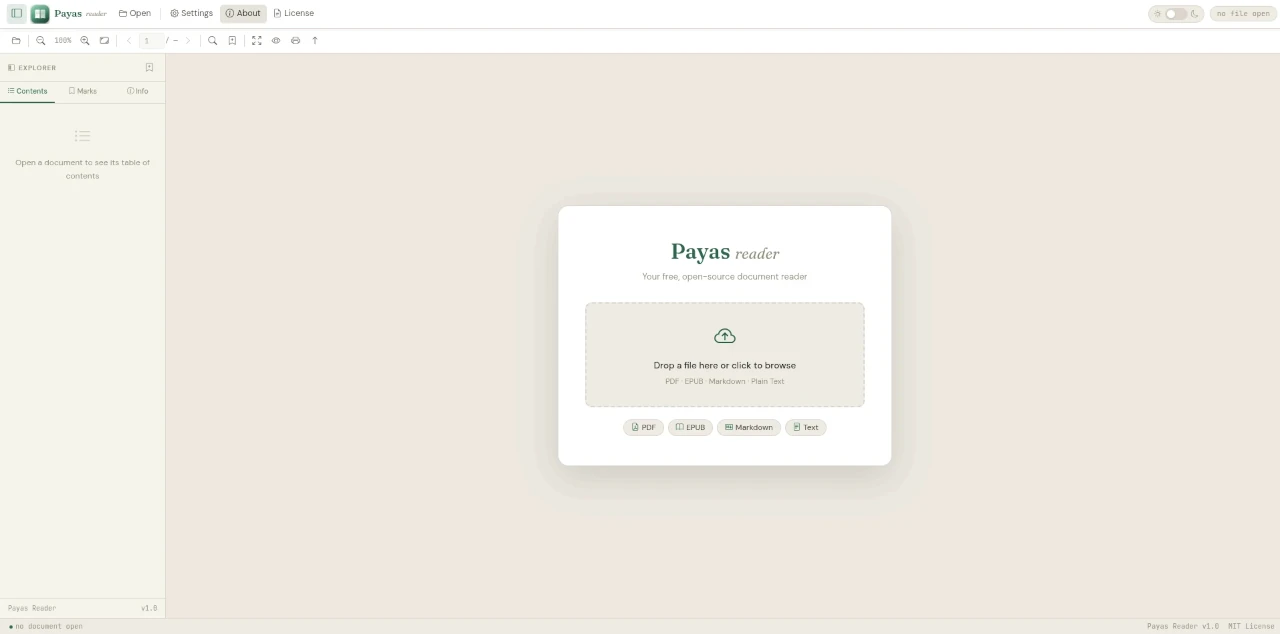
Overview
Payas Reader is a free, open source document reader that runs entirely in your browser. Read PDF, EPUB, Markdown, and plain text files with a clean, distraction-free reading experience — no server, no backend, no installation required. Open the HTML file locally and it works on any device with a modern browser.
Payas Reader is Version 1.0.0, released under the MIT License, and built and maintained by Saman Udayanga Wijesinghe as part of the Payas Webkit project.
Supported Formats
Payas Reader handles four document formats out of the box:
| Format | Description |
|---|---|
| Standard portable document format — powered by PDF.js | |
| EPUB | The open e-book format — powered by epub.js |
| Markdown | Plain text with lightweight markup — rendered with marked.js |
| Text | Plain .txt files displayed with clean typography |
Key Features
- Multi-format support — PDF, EPUB, Markdown, and plain text in one reader
- Distraction-free reading — clean, minimal interface designed for focus
- No server required — runs entirely client-side in the browser from a local file
- No installation — download, extract, open
index.html— done - Free and open source — MIT licensed, free to use, share, and modify
- Cross-platform — works on Linux, Windows, and macOS in any modern browser
- Modern web stack — built on Bootstrap 5, PDF.js, epub.js, and marked.js
Built With
| Library | Purpose |
|---|---|
| Bootstrap 5 | Responsive layout and UI components |
| PDF.js | PDF rendering in the browser |
| epub.js | EPUB parsing and rendering |
| marked.js | Markdown to HTML conversion |
The Payas Webkit Suite
Payas Reader is one of four tools under the Payas Webkit umbrella — a collection of lightweight, serverless web utilities:
| Tool | Purpose |
|---|---|
| Payas Reader | Document reader — PDF, EPUB, Markdown, and text in the browser |
| Payas Editor | WYSIWYG rich text editor — write and save documents as Markdown |
| Payas Player | Media player — play audio and video in the browser |
| Payas Imager | Image viewer — view and browse images in the browser |
Each tool in the suite shares the same philosophy: zero server dependency, open source, and runs from a single HTML file.
Get Payas Reader
| Resource | Link |
|---|---|
| GitLab Repository | gitlab.com/samanscode/payas-reader |
| Download ZIP | payas-reader-main.zip |
Quick Start
- Download the ZIP package from the link above
- Extract the archive
- Open
index.htmlin your browser — no setup needed - Load any PDF, EPUB, Markdown, or text file and start reading
Credits
Creator & Lead Developer — Saman Udayanga Wijesinghe
License
Payas Reader is released under the MIT License — free to use, share, and build upon.